
Apple Health
Using body signals in a reflection, and writing your mood back to Health, are Hamdam Plus. The Garden's coaches read Health, and record a finished session to it, without checking your plan.
Health in Hamdam is not one switch. Reading your body signals, writing your mood back to Health, cycle awareness and the Garden recording a finished session are separate permissions. The one exception: turning on body signals also asks about writing your mood, and Sync mood to Apple Health is on once you allow it.
Your health data never leaves your device. It is never graded. It tilts the tone of what Hamdam writes, and the Garden uses it to shape the day and to show you your own sleep and movement.
Step by step
Open Your Hamdam.
Your Hamdamهمدم تو
Tap Wellbeing.
Wellbeingتندرستی
Turn on Use body signals in reflection. iOS then asks which Health types Hamdam can read, and asks separately about writing your mood.
Use body signals in reflectionاستفاده از سیگنالهای بدن در تأمل
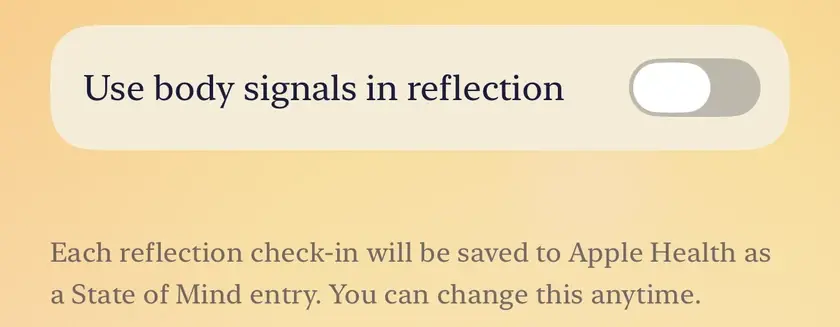
With body signals on, Sync mood to Apple Health appears beneath it, already on. It writes each reflection check-in to Health as a State of Mind entry; switch it off if you only want Hamdam to read.
Sync mood to Apple Healthهمگامسازی حال با برنامه سلامت اپل
The Apple Health row beneath them opens a screen listing what Hamdam is reading, item by item. iOS never tells an app which individual types you allowed, so this screen is how you check.
Apple Healthبرنامه سلامت اپل

Worth knowing
- With permission Hamdam reads steps, active energy, exercise minutes, resting heart rate, heart rate variability, blood oxygen and sleep, and for the Garden's coaches, time in daylight, sleeping wrist temperature and breathing disturbances during sleep.
- The Garden asks for its own permission the first time you finish a session there, never at launch. With it, a walk is recorded as a workout, a breath as a mindful session, and a night you log by hand as sleep.
- The Garden's coaches read sleep and movement wherever Hamdam already has Health access. Without it they build the day from your calendar, the weather, your reflection and your own word about the day.
- To change a permission after the fact, go to the Settings app, then Privacy and Security, then Health, then Hamdam. Hamdam cannot revoke its own Health access for you.
- Health access belongs to the device that granted it. After a reinstall or on a new device your settings come back, but body signals stay off until you switch them on again on that device.
- Observations about sleep or activity are contextual. They are not a medical assessment, and Hamdam is not a substitute for care from a qualified professional.