
The Mental and Fitness companions
Two companions sit under Wellbeing: the Mental companion, for observations about your inner weather, and the Fitness companion, for observations about movement in your day. Both are off by default.
They are consent switches first. With one off, Hamdam does not work that observation out from your Health data at all, and the Garden checks both switches before it does.
They are written the way the rest of Hamdam is written: offered gently, never as pressure, and never as a target.
Step by step
Open Your Hamdam.
Your Hamdamهمدم تو
Tap Wellbeing.
Wellbeingتندرستی
Turn on the Mental companion for observations about your inner weather.
Mental companionهمدمِ دل
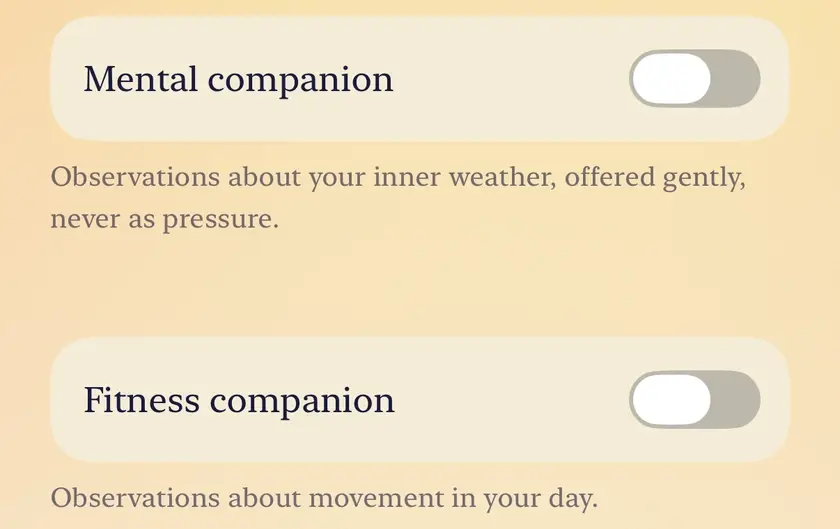
Turn on the Fitness companion for observations about movement in your day.
Fitness companionهمدمِ تن

Worth knowing
- Both are free, and both are opt-in rather than on by default. Turning one on does not turn on the other.
- They draw on what you have already chosen to share: the Mental companion on Health and on how often you have reflected this week, the Fitness companion on Health and on how full your calendar is. Neither companion has anything to say until Apple Health can be read.
- Neither of them is medical advice, and neither is a substitute for a qualified professional.