
Sharing a verse or a reflection
Sharing a reflection and sharing a verse card are both free.
Hamdam can hand a finished reflection to the iOS share sheet, which means any app on your device that accepts text, Apple Journal among them.
A verse can also be rendered as a card, so what you send looks like the app rather than like a paste.
Step by step
Open Your Hamdam.
Your Hamdamهمدم تو
Tap Content.
Contentمحتوا
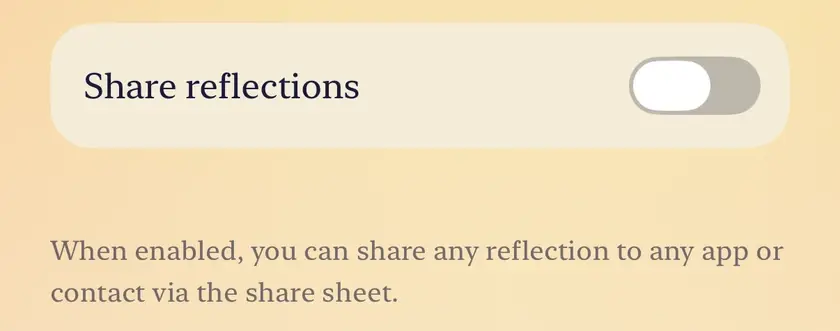
Turn on Share reflections. It is free. If you set Hamdam up in 2.1 it is on from the start; if you already used Hamdam it stays as you set it.
Share reflectionsاشتراکگذاری تأملات
On Today, once your reflection appears in the sheet, Share reflection sits just above Done. Tap it and choose where it goes.
Share reflectionاشتراکگذاری تأمل
For a verse, tap the share control under a faal you have drawn. Share this verse lets you choose a square or a story shaped card, and add who it is for.
Share this verseاین شعر را به اشتراک بگذار
Then tap Share, or Save to Photos to keep the card.
Save to Photosذخیره در عکسها

Worth knowing
- Sharing is always something you do. Nothing is shared on your behalf, ever.
- Saving to Photos asks only to add a picture. Hamdam does not ask to read your photo library.
- The name you put on a card is not remembered, so the next card you send does not carry it.
- The faal, and with it the verse card, is offered to readers connected to Persian poetry. It lives with the Mind coach in the Garden.