
Where you live now
Where you live now is a city you pick yourself, separate from your heritage. It is found through Apple Maps with no location permission and no GPS.
It stands in for weather when location is not allowed, gives Roots its time, season and sunrise for where you live, and sets the holidays Roots shows.
Step by step
Open Your Hamdam, then About You.
Choose Where do you live now? and search for your city.
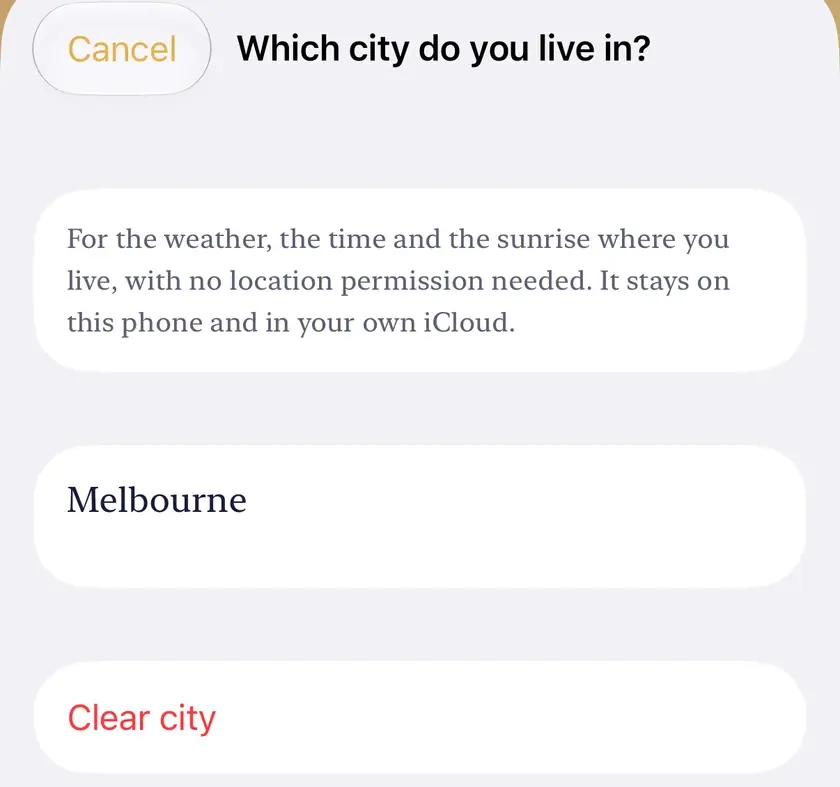
In Full setup, the heritage screen has one link to the same picker. Quick setup is unchanged.

Worth knowing
- The city stays on your device and in your iCloud.
- The coaches fall back to sunrise and sunset for this city when the weather has none.