
Calendar
Reading your calendar and writing to it are two different opt-ins in Hamdam. Turning on one does not turn on the other, and writing requires reading.
With reading on, Hamdam suggests grounding reflections on busy days and more expansive ones on spacious days, the Calendar in Roots shows you your own events when you tap a date, and the Garden plans around them.
To do that Hamdam reads each event's title and its times, on your device. It never reads attendees, locations, notes or links, and it stores none of it, except the title of an event you anchor a habit to, which stays on this device.
Step by step
Open Your Hamdam.
Your Hamdamهمدم تو
Tap Content. The calendar switches sit there, below the sharing rows.
Contentمحتوا
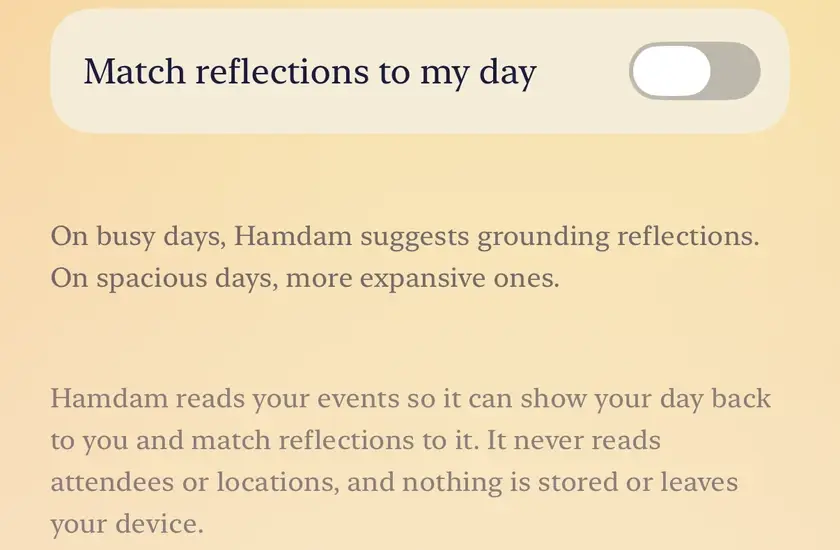
Turn on Match reflections to my day. This is the read side, and iOS asks for calendar access the first time.
Match reflections to my dayتطابق تأملات با روزم
Calendar write appears once reading is on. Turn it on if you also want Hamdam to add reflection time and cultural moment reminders to your calendar.
Calendar writeنوشتن در تقویم
To see a day, open Roots and tap Calendar.
Calendarتقویم

Worth knowing
- Everything Hamdam creates goes into a calendar of its own, named Hamdam, and each event title starts "Hamdam:". It is always obvious which events are its.
- Hamdam identifies its own events by the calendar they live in, not by matching their titles. Renaming one does not hide it from Hamdam, and renaming one of yours does not pull it in.
- Hamdam never modifies an event it did not create. The ones it did create can be edited or removed from the Calendar in Roots.
- With reading on, planting a habit in the Garden can tie it to one of today's events. No further permission is asked for that.
- Turning the read permission off turns the write permission off with it, because iOS grants calendar access as one thing and the separation is Hamdam's own.
- Calendar access belongs to the device. After a reinstall your settings come back, and iOS asks for calendar access again.